


 SmartOne Solar
 SmartOne C
 STX3
STX3
 SPOT X
 SPOT Gen4
 SPOT Trace

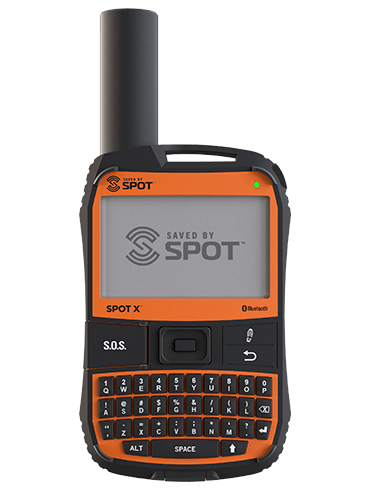
SPOT X
APPAREIL DE MESSAGERIE SATELLITE BIDIRECTIONNELLE



DERNIÈRE VERSION DU MICROLOGICIEL
Date de mise à jour2025-04-23
Version du micrologiciel
2.6.1
Programme de mise à jour du micrologiciel
2.8.1
Mettre à jour le micrologiciel >>
Assistance pour le SPOT X
Messaging
How do I know if my message was sent?
Your sent messages will be displayed in the Messages screen. The Check-In Message will not display the texts sent, but only the GPS coordinates and date/time it was sent. You also can view your sent messages in your SPOT MyAccount. Before heading off the grid, we strongly recommend that you send a test message to ensure your device was activated properly.
There are also 3 different icons indicate the status of a message:
- The first is a chat bubble with a check mark indicating message sent.
- The second is a chat bubble with a question mark indicating message sent, but the delivery could not be confirmed.
- The third is a chat bubble with a X indicating message was not sent. This is usually due to poor GPS signal conditions."
Téléphone
lundi - vendredi, 8h00 - 17h00 HNE
Veuillez avoir votre NIP quand vous appelez.
La confirmation du NIP n'est pas possible par la voix. Veuillez insérer votre NIP sur le clavier de votre téléphone.
Votre numéro d'identification, NIP, est disponible dans votre compte.
877 452 5782
+1 985 327 7500 (depuis l’extérieur de l’Amérique du Nord)
À partir de votre téléphone Globalstar en mode satellite: 611
À partir de l'appli du Sat-Fi: 611